> For the complete documentation index, see [llms.txt](https://helpdocs.ycloud.com/help-center/llms.txt). Markdown versions of documentation pages are available by appending `.md` to page URLs; this page is available as [Markdown](https://helpdocs.ycloud.com/help-center/zh/shop/payments.md).
# 支付设置
本篇为您介绍,如何为Shop设置您的支付方式。
{% hint style="info" %}
目前Shop支持的支付方式:
* 货到付款(Cash On Delivery,简称COD)
* Paypal 钱包
{% endhint %}
当您新开通shop时,所有支付方式都处于关闭状态,您可以按需激活。
点击add,选择您需要的支付方式
### 货到付款
1. 选择cash on delivery
2. 弹窗-点击Active
货到付款开通成功后,如下:
* 此时,顾客在您的商店下单时,可以选择支付方式:货到付款
* 当选择货到付款后,需要在 顾客未付款的情况下,由您先发货。顾客收到货后再决定是否确认收货、支付。
当您准备停止使用货到付款时,可以点击-Deactive:
* Deactive确认后,该支付将被关闭。
### PayPal钱包
开启方式:
* 选择PayPal
* 点击active,
* 跳转到PayPal页面,需要您登录,并完成授权
* 输入您的PayPal商业账号:账号/密码- 登录
* 注意,必须是***business account***。个人账号无法绑定shop去收款。
* 确认授权-Ycloud Shop,完成
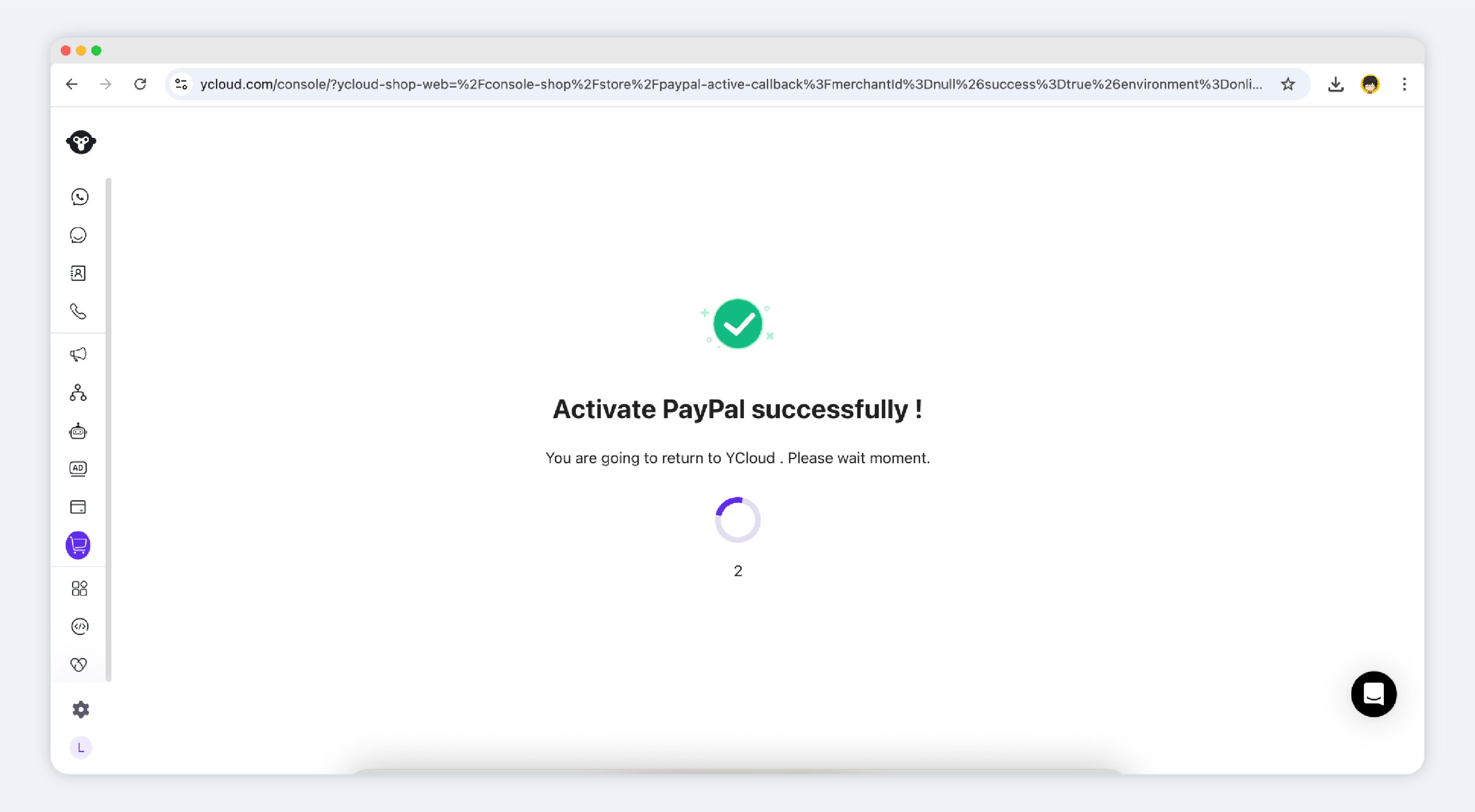
* 进入Shop后台并提示:绑定成功:
会自动跳转到payments模块,并展示绑定的PayPal企业账号:
* PayPal激活后,顾客可以在下单时,选择使用PayPal钱包进行支付。
如您想停用PayPal支付,点击【deactivate】-【deactivate】,即可隐藏顾客购买流程中的PayPal钱包选项。
---
# Agent Instructions
This documentation is published with GitBook. GitBook is the documentation platform designed so that both humans and AI agents can read, navigate, and reason over technical content effectively. Learn more at gitbook.com.
## Querying This Documentation
If you need additional information that is not directly available in this page, you can query the documentation dynamically by asking a question.
Perform an HTTP GET request on the current page URL with the `ask` query parameter, and the optional `goal` query parameter:
```
GET https://helpdocs.ycloud.com/help-center/zh/shop/payments.md?ask=&goal=
```
`ask` is the immediate question: it should be specific, self-contained, and written in natural language.
`goal` is optional and describes the broader end goal you are ultimately trying to accomplish on behalf of the user. GitBook uses it to tailor the answer towards what is most useful for that goal.
The response will contain a direct answer to the question and relevant excerpts and sources from the documentation.
Use this mechanism when the answer is not explicitly present in the current page, you need clarification or additional context, or you want to retrieve related documentation sections.


.png?alt=media&token=ad514a44-c91a-4834-8309-9f948fa82c0c)
.png?alt=media&token=b901299c-b937-4e8f-913f-cea0efacf1a7)

.png?alt=media&token=63061acd-79b0-49e1-a083-2a30c5c4187a)