> For the complete documentation index, see [llms.txt](https://helpdocs.ycloud.com/help-center/llms.txt). Markdown versions of documentation pages are available by appending `.md` to page URLs; this page is available as [Markdown](https://helpdocs.ycloud.com/help-center/zh/journey/journey-jie-shao.md).
# Journey介绍
Journey 是帮助企业基于客户行为触发一系列动作的自动化流程。您可以使用它对触发了事件的客户进行消息发送,自动打标签等。
举例:
电商场景下,您可以基于客户的生命周期进行消息通知,如:订阅成功通知、购物车弃购通知、订单催付、发货提醒、订单取消提醒等。
App的企业,可以使用Journey进行客户的激活。例如当客户注册App后,等待N天,若客户还未进行激活,可以自动给客户发送一条促激活的消息。
## 了解Journey的功能:
### Journey包含的组件:
组件
功能
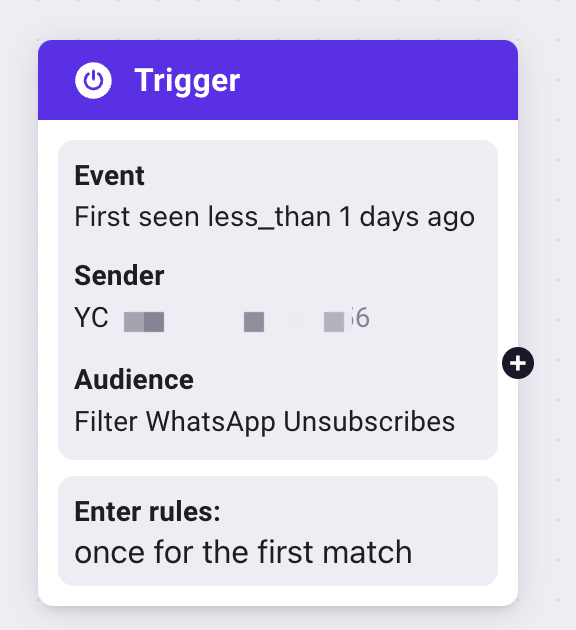
Trigger
Trigger是Journey的核心功能,是用于设置触发的事件和条件。
满足Trigger中所有条件的用户才会触发Journey
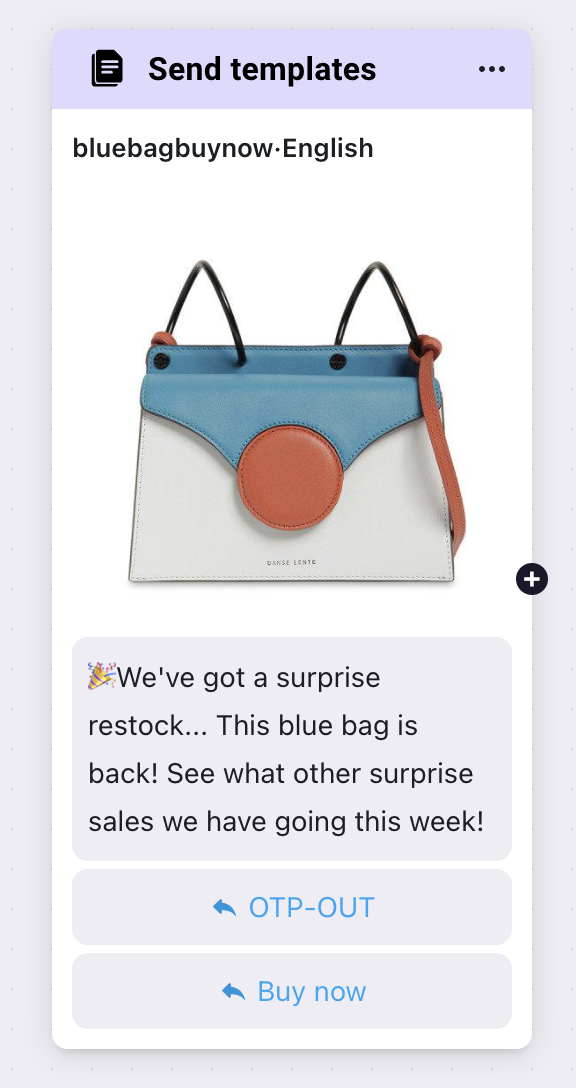
Send template
发送模板组件,设置要发送的内容
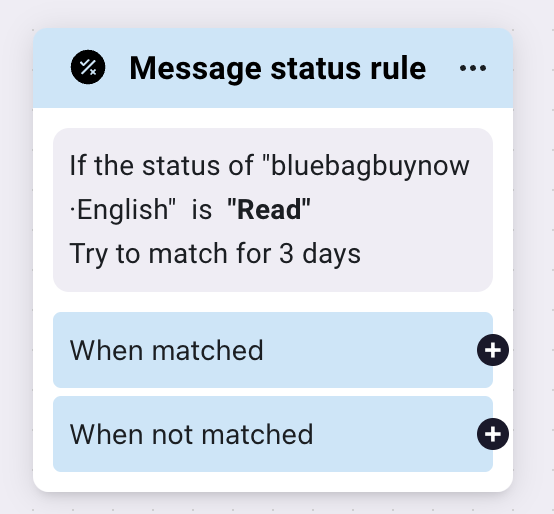
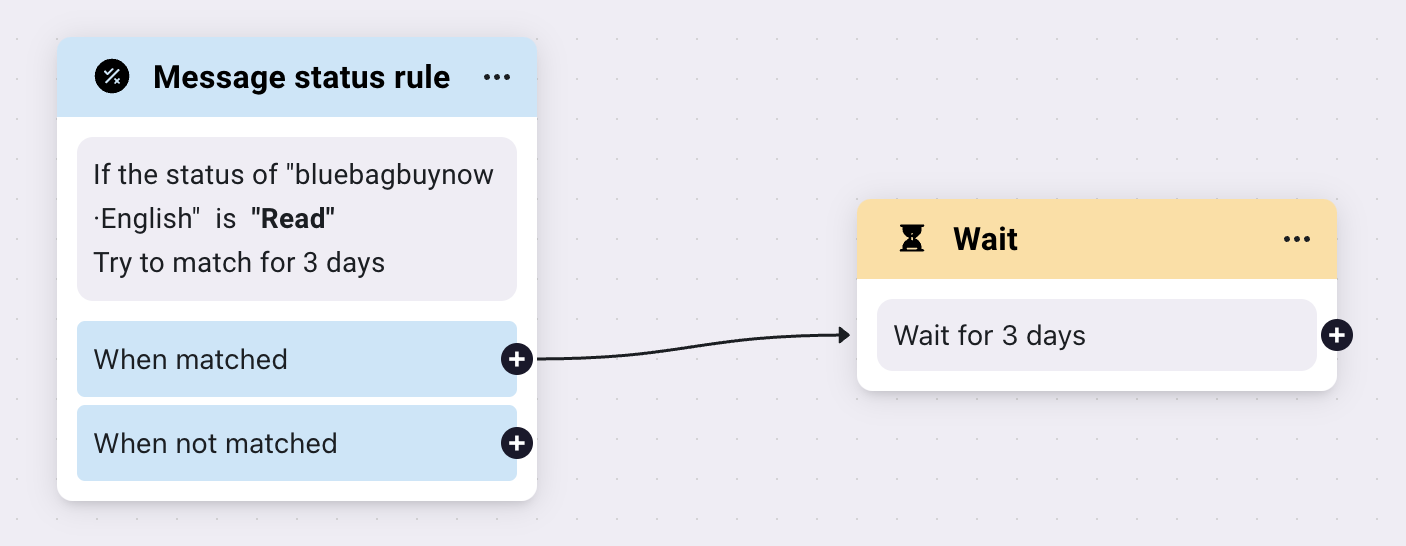
Message status rule
判断模板消息的状态
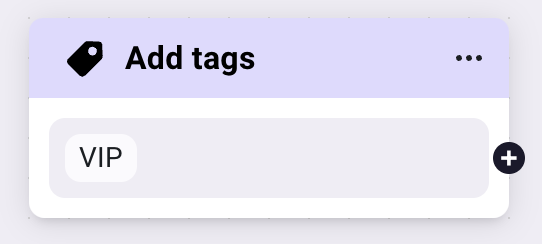
Add tag
打标签
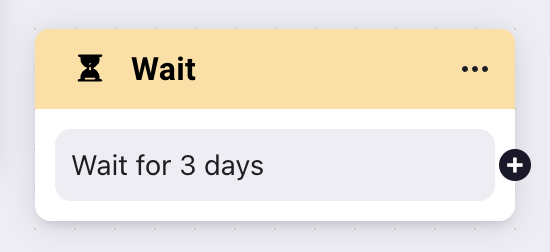
Wait
等待
### 组件连接
组件和组件之间需要进行连接,根据连接后的顺序进行执行。
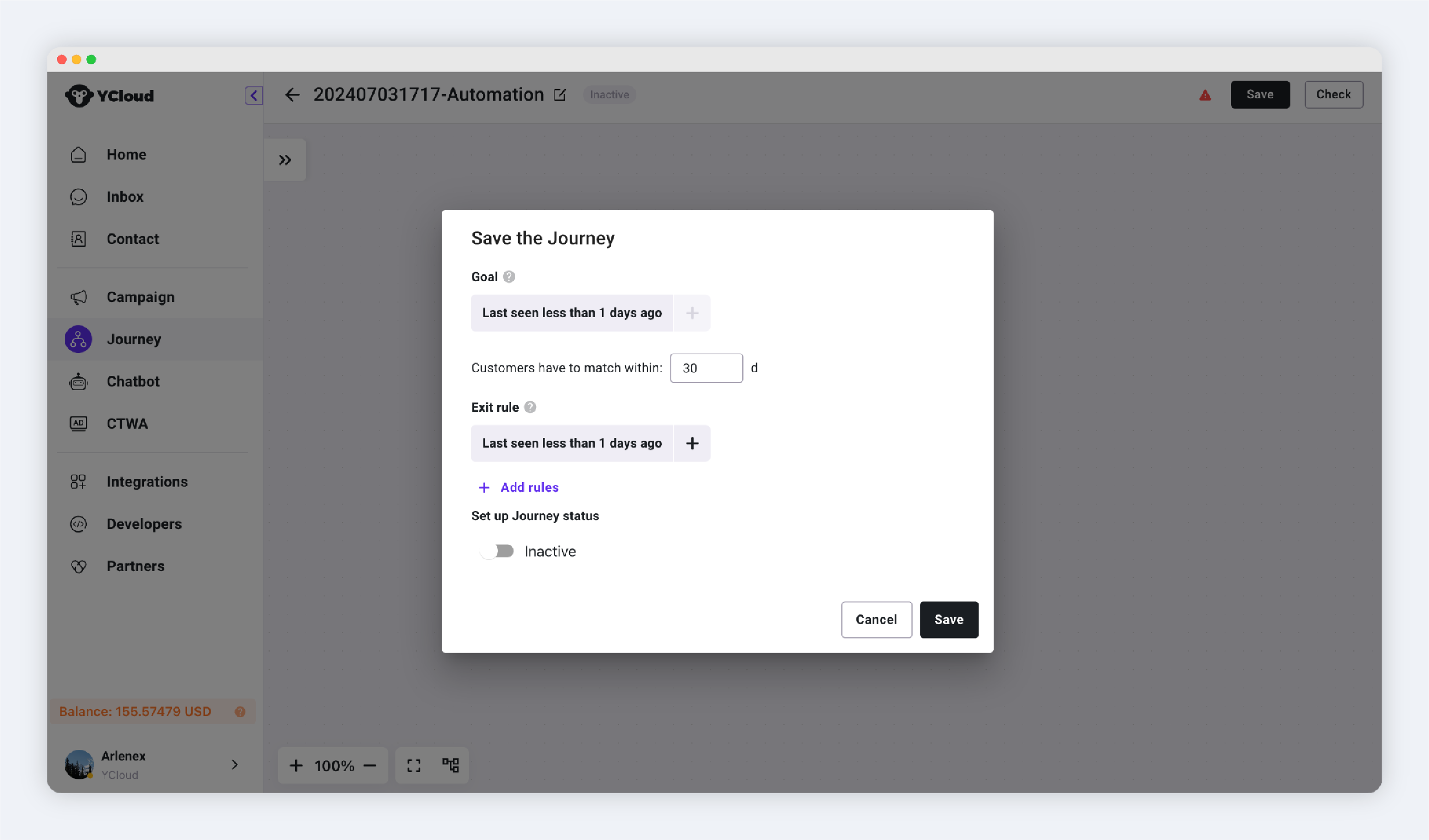
### 设置Journey的目标和退出条件
#### **目标**:
用于统计Journey的效果。通过设置目标,在Journey触发后持续统计客户是否满足目标条件,当客户满足后即Journey的目标完成数量+1。
{% hint style="info" %}
注意:目标仅用于数据统计,完成目标并不表示客户会退出Journey。只有满足[**退出条件**](#tui-chu-tiao-jian),或者执行完Journey最后一个组件后才会退出。
{% endhint %}
#### **退出条件**:
当用户进入Journey后,会持续判断用户是否符合了退出条件,符合后无论用户在Journey的哪个阶段,都会立即退出,即不再执行后面的组件。
---
# Agent Instructions
This documentation is published with GitBook. GitBook is the documentation platform designed so that both humans and AI agents can read, navigate, and reason over technical content effectively. Learn more at gitbook.com.
## Querying This Documentation
If you need additional information that is not directly available in this page, you can query the documentation dynamically by asking a question.
Perform an HTTP GET request on the current page URL with the `ask` query parameter, and the optional `goal` query parameter:
```
GET https://helpdocs.ycloud.com/help-center/zh/journey/journey-jie-shao.md?ask=&goal=
```
`ask` is the immediate question: it should be specific, self-contained, and written in natural language.
`goal` is optional and describes the broader end goal you are ultimately trying to accomplish on behalf of the user. GitBook uses it to tailor the answer towards what is most useful for that goal.
The response will contain a direct answer to the question and relevant excerpts and sources from the documentation.
Use this mechanism when the answer is not explicitly present in the current page, you need clarification or additional context, or you want to retrieve related documentation sections.